WordPress and Textpattern are two of the most well known blogging platforms out there. Each has its own share of advantages and disadvantages as well as supporters and critics. Both have a great user base and power many wonderful websites! In this article, I shall attempt to provide a comprehensive comparison of both WordPress vs Textpattern. Be informed though, this piece is just based on personal experiences and most users of either WP or TXP might agree (or disagree) at will. For the sake of clarity, I’ve attempted to sub-divide this article into multiple heads.

Functionality

WordPress seems to be the leading CMS when it comes to functionality and ease of use. Its latest version has undergone a good revamp and the organization of the administrative back end is now as user friendly as it can get! You can control every major section of your blog through it in a matter of few clicks.

TextPattern, on the other hand, has a slightly less refined administrative back end. Yet, it still is fairly user friendly and very robust. The only catch is that TXP’s back end looks slightly dated, in comparison to that of WP.

Customizability and Extendability

Both Textpattern and WordPress are equal customizable by means of themes and templates. On a similar note, both TXP and WP have a good quiver of plugins and extensions. However, if you delve deeper, you’ll find that WP has more themes and plugins as compared to TXP. While this clearly does not mean that WP is a better CMS than TXP, it surely goes a long way in building the user base for WP. Since majority of commercially viable tech blogs and websites are powered by WordPress (not to mention the millions of blogs at WordPress.com), it is but natural that WP has a large number of themes and plugins.

If you are geeky enough, you really should not be worried as you can tweak TXP to your liking and build a website. But if you are just planning to get a blog or website up and ready with as little technical expertise as possible, WP should be your safest bet!

Usability and Operation

This seems to be the most debatable topic. WordPress has a WYSIWYG Editor that makes editing posts and articles a breeze.

WordPress vs Textpattern

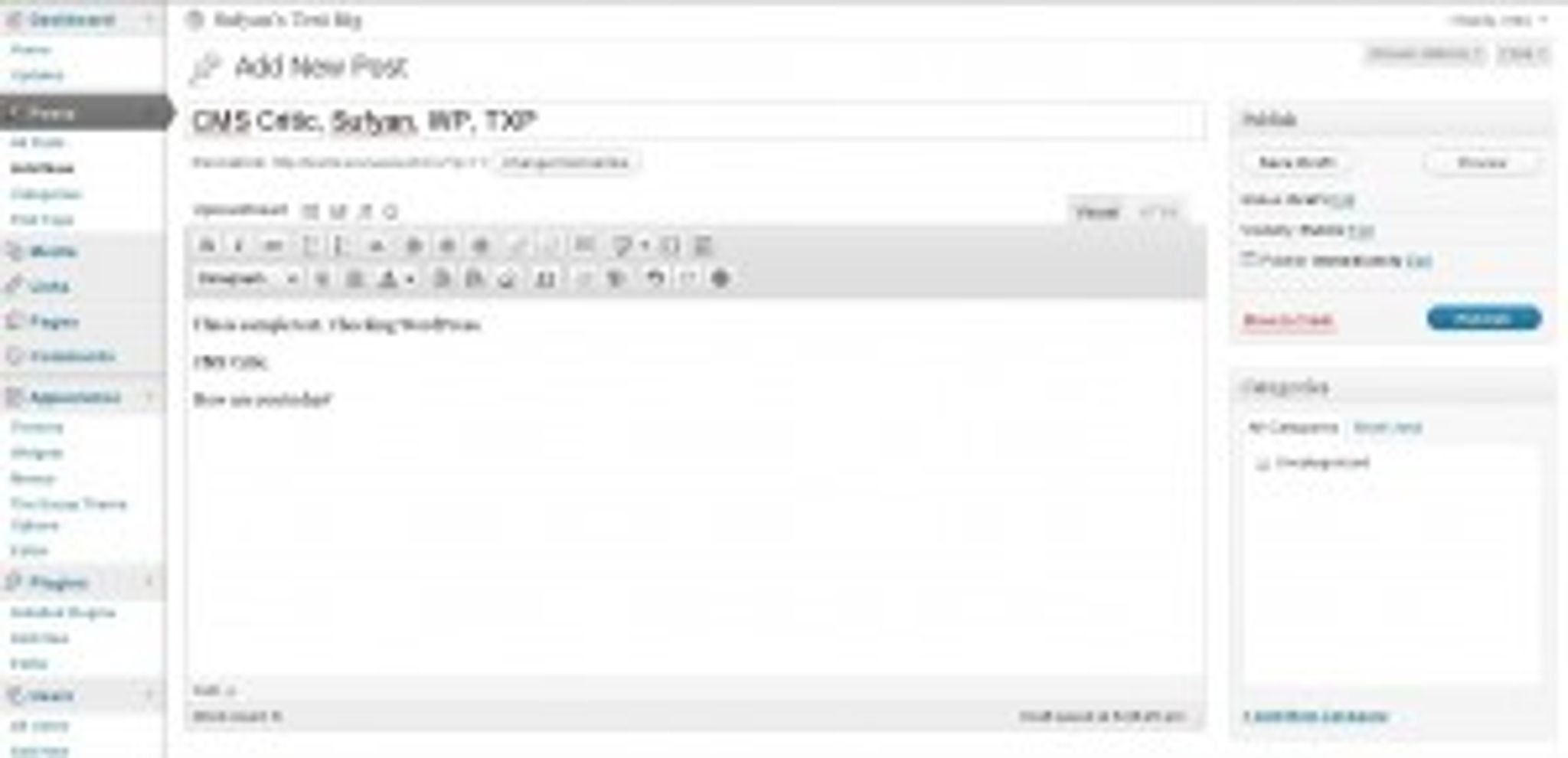
WP Text Editor

Textpattern, on the other hand, has an equally awesome (though not so end user friendly) editor, which can do almost all that you want it to, but is slightly confusing in operation (at least for starters). While Textile and other related items can be your best friends if you get used to them, they really will seem mind boggling features if you are a stranger to them.

WordPress vs Textpattern

TXP Article Editor

Moving around the back end too, you’ll find that installing themes or plugins, checking your blog’s stats or even upgrading the CMS – all can be accomplished in WP in a way easier manner as compared to TXP.

Are they alive?

Both WordPress and Textpattern are in active development (so this sub-heading perhaps should’ve been different, but I couldn’t resist). Similarly, both TXP and WP have a good community base and many forums where you can turn for support.

However, WP is updated on a more frequent basis as compared to TXP. Supporters of WP will be tempted to portray this as higher level of activity at their developers’ end, while supporters of TXP can attribute this fact to a sign of maturity of TXP in itself.

To sum it up

With that said, lets summarize each CMS’s pros and cons:

Textpattern (http://www.textpattern.com):

Pros:

  • Textile is a very popular element among TXP users, and once you get used to it, you really will find WP’s interface bit over done.
  • The Template System lets you tweak your website to the heart’s content.
  • Extensive documentation.

Cons:

  • Admin back end slightly unattractive.
  • Confusing for beginners.
  • Lesser number of themes or templates (as compared to WP)

WordPress (http://www.wordpress.org):

Pros:

  • Arguably the easiest CMS out there
  • Numerous themes for customization
  • Easy updates

Cons:

  • Unless you install WPMU, it can power only one blog
  • Slightly limiting back end (if you’re a geek)
  • Editing article meta data is difficult

The verdict?

Well, ideally picking a CMS is a decision that is governed by the user’s specific needs (and perhaps bias towards a personal favorite). Still, if you need a CMS just to power a blog or a small website, WordPress should do the trick for you. If, however, you have plans of doing something beyond the ordinary such as having multiple blogs or prefer to tweak your articles before posting them (or simply like to get to the bottom of things), Textpattern might solve your purpose.

Have you used either WP or TXP (or both) earlier? Got some opinions to share on either of these two blogging platforms? Let me know in the comments!

Tagged with →  
Share →
  • madzzoni

    Hello! I have for a long time looked for a real alternative to WordPress as a user-friendly (Blog/small website) CMS for both the Web designer and the end-user.
    Joomla, Drubal and Typo3 are all too “heavy” and complicated to use for small-size website projects and Not end-user friendly like WP! (Read configuration time and setup!)
    Then I happily discovered Textpattern, which, from various descriptions, should be a very easy CMS system to use for both web designer and end-users.
    But honestly, Textpattern is a fine small CMS “Out of the box” for those who ONLY need a Blog / News website and nothing else. (…and as a Web designer, it’s fun to play with the “txp tags” etc!) … But, a simple thing, fx. like to create a new static page, is in WP just a matter of “clicking” a button, – in TXP you must perform several actions to make a simple static page! That’s Not easy for the “average” end-user (webmaster) to understand and do! … There is no image/media-tool in TXP, and no WYGIWYS interface which is important for most CMS end-users today!
    Is TXP user-friendly? – Not at the moment! The backend of TXP simply sucks compared to elegant and user-friendly one of WP, – but I really hope that TXP will develop into a better CMS in the future, so WP can get some real competition ;-)
    -madzzoni

  • http://www.englishman.fr Englishman

    Textpattern has a limited shelf life. Yes it is flexible, but having recently taken over the management of a TXP website – it is clear that not everyone knows how to, or wants to learn how to use the txp mark-up.

    I am currently trawling through pages and pages of badly conceived template files coded by a designer who was clearly not a coder by trade.

    For the client – Textpattern’s back-end is simple yet confusing, they add an image to the CMS … but how on earth do they make it appear on the screen? They call me. WordPress doesn’t require this level of hand-holding.

    As a full-time webmaster I find WordPress far more productive, more dynamic and far more future-proof. Choose Textpattern today – and you’ll regret it tomorrow.

    • eric

      this doesn’t make any sense to me.

      1. if you’re taking over the management of someone’s txp site, then it’s not really your choice to go with txp, is it? in that scenario, you have to either bite the bullet, or rebuild the site from scratch
      2. you could complain about any cms in that way. i’ve seen some absolutely abysmal wordpress themes, plugins, and even content. i could tell you stories that’d turn your hair white. this is universal across all cms, and all languages. There will always be people who ignore good practice. you can’t really blame the cms for that.

      • http://www.englishman.fr Englishman

        1. You’re right – given a choice I’d avoid using textpattern
        2. I agree with you here – bad practice will always lead to a bad website. However not every CMS requires the webmaster, or content owner, to understand code or how to code. The coding element of Textpattern will ensure it either stays the preserve of webmasters who don’t allow their clients into the back-end … or consign it to history very quickly.

    • http://www.caravanwise.co.uk/ Phil

      You should try Drupal, you have to install a module to handle images.

      Textpattern is brilliantly simple if you want to have a CMS to separate content from presentation and are moving from static HTML. It is easy to carve up an HTML page designed in whatever design app or text processor you use into blocks (called Forms in Textpattern) and have those together with your articles and images pulled together into pages using Textpattern tags. A site divided into sections each with the same or different templates is very easy to do. It’s a really good solution for smaller clients who want to control the content of their website.

      Having said that I like the elegance of the WP backend and if you want to install one of the excellent themes and get on with writing your site without getting involved in coding pages from what I have seen it is excellent.

  • Francisco

    Excellent points, excellent critique and excellent process through the theme. Thanks Mike, I thought I was going to get stuck with WP only… and although I love WP I also love options for some the things I do not love about it. Quick question: So, do you currently use TXP since this blog is based on WP?

  • http://sankt-georg.info/ Markus Merz | Hamburg St. Georg

    Not bad, but what really sold Textpattern to me as a CMS in 2005 was the availability of ‘sections’ – reusable individual websites in website – not even by far comparable to the ‘pages’ offered in WordPress.

    And performance (+++), stability (+++), size (matters) and extendability
    More geeky: logic (+++), architecture (+++), safety, etc.

    Priceless: And the Textpattern community offers/has the only forum where I love to visit & participate from the very 1st day.

    • http://www.cmscritic.com Mike Johnston

      Textpattern is indeed an excellent platform. I’d love to see more adoption.

  • http://www.architxt.net Lawrence

    I’d say that they are fairly distinct products aimed at different types of users.

    WP users are not devs / designers and build their site using themes and plugins. They have many options to achieve what they want but are effectively using WP as Blogger or Tumblr. Those who customise WP are necessarily PHP savvy.

    Textpattern is a great choice for web designers who want to define the dynamics of their site as a programmer would do. For example, conditional statements to… display this bit of code instead of this other if a certain criteria is met. This can be achieved an extensive range of tags that a non-dev can easily understand.

    Textpattern also offers themes, but they are not something a non-technical person would be able to figure out easily.

    Perhaps the distinction can be thought of as… TXP being a B2B product and WP more B2C.

    • http://www.patrickrogan.net/ Patrick

      That’s… Not quite right, considering that many if not most devs and designers use WordPress. Most of the ones I know and admire use wordpress, while the small rest make their own sites from scratch.

      • Anthony

        Do we have any statistics to show that most developers and designers use WP over TXP?

      • http://www.architxt.net Lawrence

        Hi Patrick… sorry for the late reply.

        At this point in time WordPress.com hosts over 71,000,000 websites: http://en.wordpress.com/stats/

        There are no stats for self-hosted WP blogs and there is no way to know how many of those 70M are customised beyond theme changing, plugin installs and minor hacks.