Top 10 Simple CMS

There are a variety of CMS options available, ranging from ‘plugging in' to your current website to fullfledged administrative, database-driven, create-your-website-in-our-CMS options. In this post our goal is to focus on simple CMS options. Some of the options below ‘plug-in' to your current website, others require developing your site from the ground up using their CMS system. But, all of them lean towards simplicity: easy to learn and easy to use.
CushyCMS
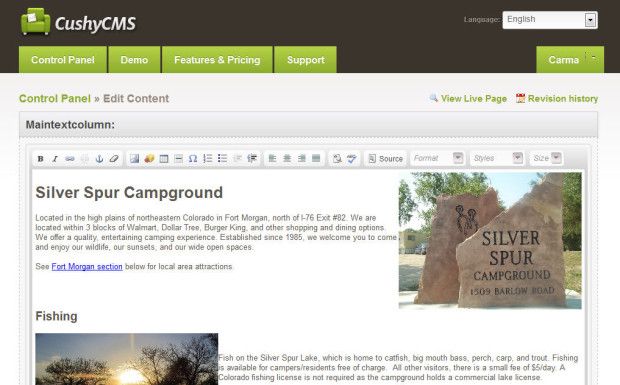
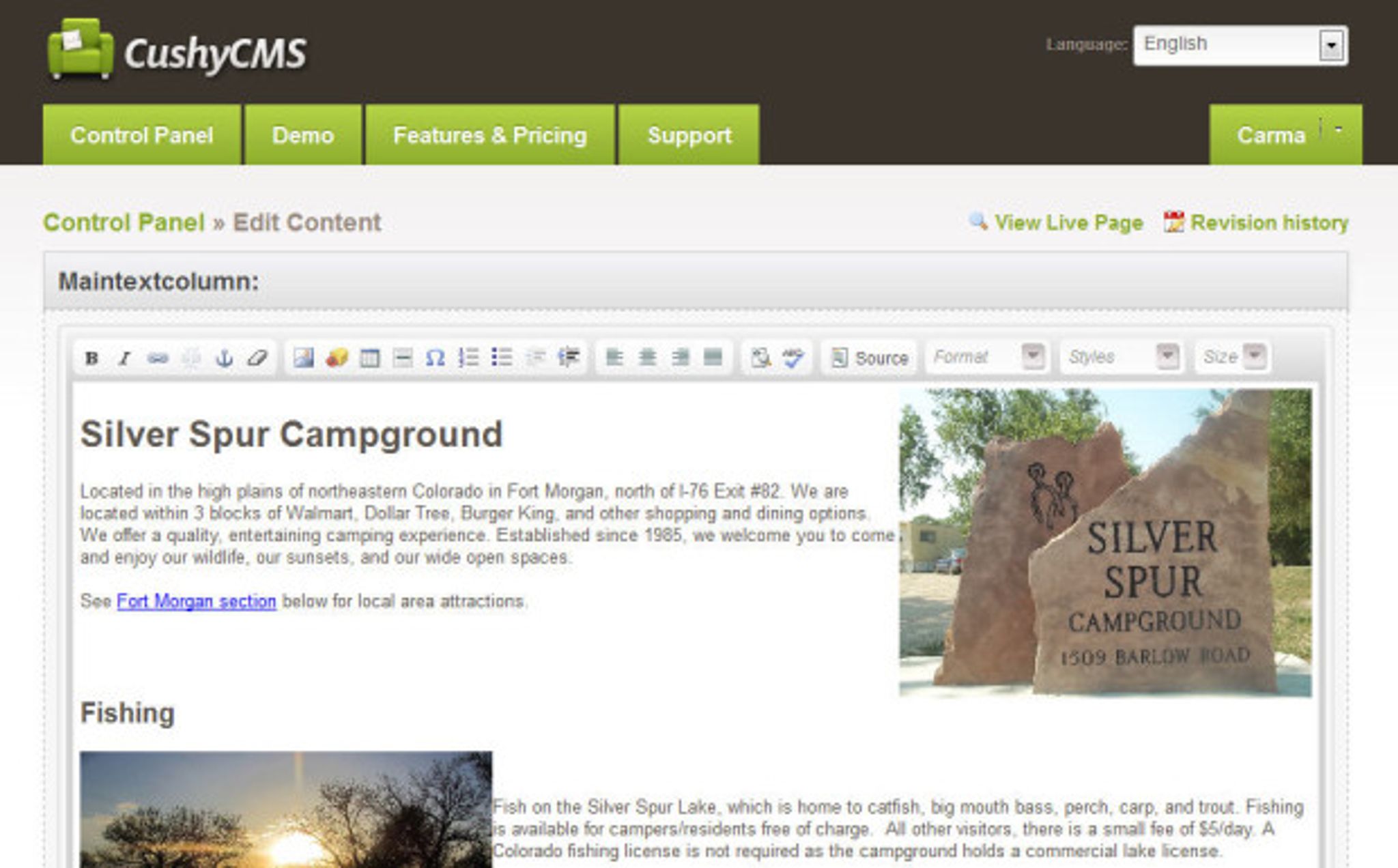
CushyCMS is a great option for already developed websites. Add ‘hooks' into your website for CushyCMS to see your website. Then, access your site through CushyCMS. Editing the site becomes much like using a word processor with all the common editing icons at the top of the editing window. Want to add a new page? You can also do that through CushyCMS.
SimpleCMS
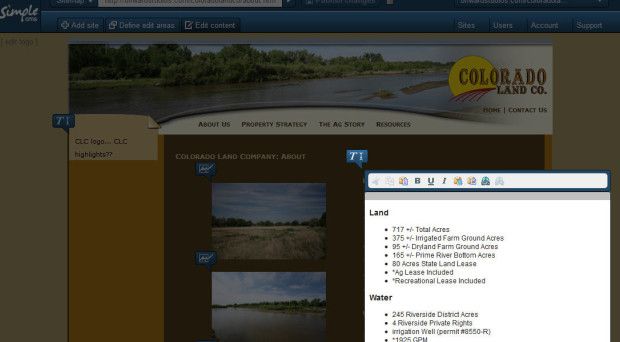
Make your site quickly editable by using SimpleCMS. Within minutes you can start editing your site. Enter the necessary FTP information, define your editable areas, and you are off and running.
Small icons appear next to the areas that you can edit. Simply click the icon and update the text and/or image. Images can be added to text areas simply by dragging an image into the text area. You can also add new pages.
You can save drafts till you are ready to publish. When all is done, simply click on Publish to update your live site.
Surreal CMS
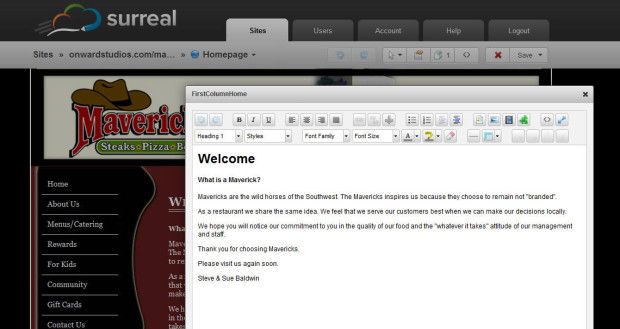
Surreal CMS is another CMS that plugs into your current website to give you easy editing options. Add the necessary ‘hooks' to your website, then login at SurrealCMS to update your site. The editable regions will have an icon at the top left. Simply click on the icon to open an editing window for that region.
The editing window has all the familiar icons and formatting options to easily update your site.
You can also add new pages by creating a template from a current page. Save a draft of your changes, publish your changes, or schedule date and time to publish your changes.
PageLime
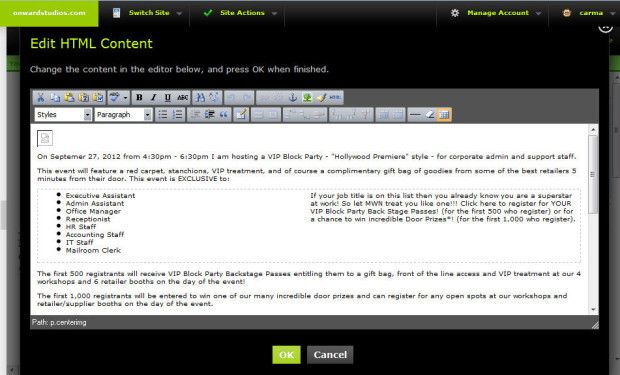
PageLime is another simple CMS option for editing content on your website. After entering the necessary FTP information to access your site and the required CSS class, the content area of your site is editable through Page Lime. Click on the icon next to your editable region. The editable content opens in an editable window with all the common icon options at the top of the window. You can choose to save a draft or publish your changes.
PageLime also lets you create a new pages based on a current page.
Zimplit
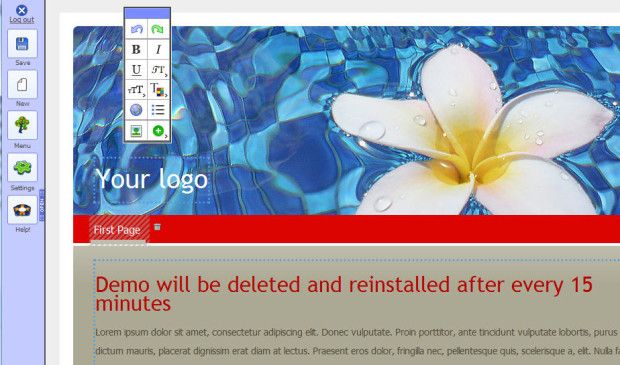
Zimplit is a CMS that lets you create and edit sites from scratch. It requires uploading just a few files to your server, logging in, and you are off and running. It has an easy-to-use menu on the left side to add pages, change settings, and edit menus. Click within any page area to edit that area. If you want to add media to the page, simply click on the appropriate icon in the edit bar and select the type of media.
Perch
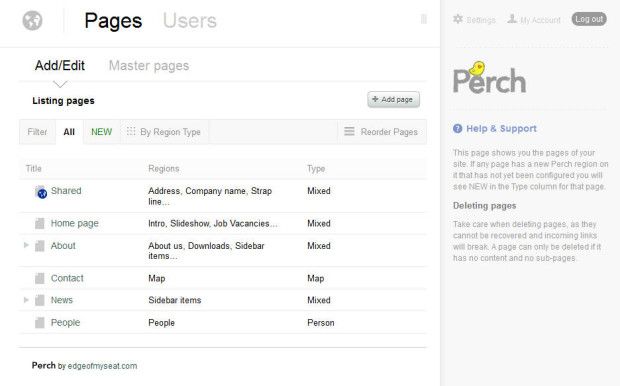
Perch is a CMS that lets you create new websites, as well as integrate it with existing sites. Because of how it manages the content, content can easily be shared across multiple pages.
Within the admin area, drill down to the desired page or to where you want to add a page. A page can consist of multiple regions (content, sidebar, map, etc.). Edit each region is desired.
This CMS is a bit more robust than others. It requires becoming familiar with their admin interface, but with that comes more flexibility.
GetSimple CMS
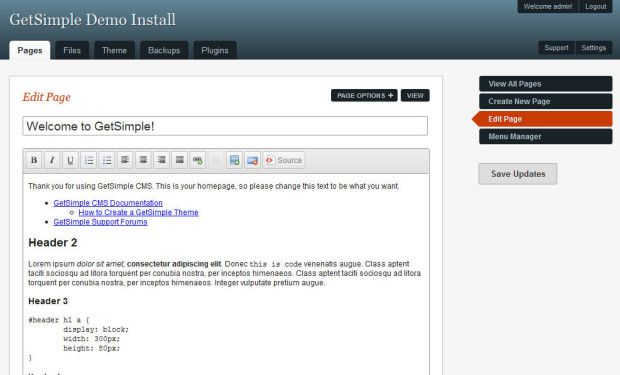
GetSimple lets you create websites, then easily manage them. It has an intuitive web editing interface, including options to edit content, add pages, manage pages, and create simple themes. It is designed for the small-site market, keeping the complexity of databases and extraneous features non-existent.
LightCMS
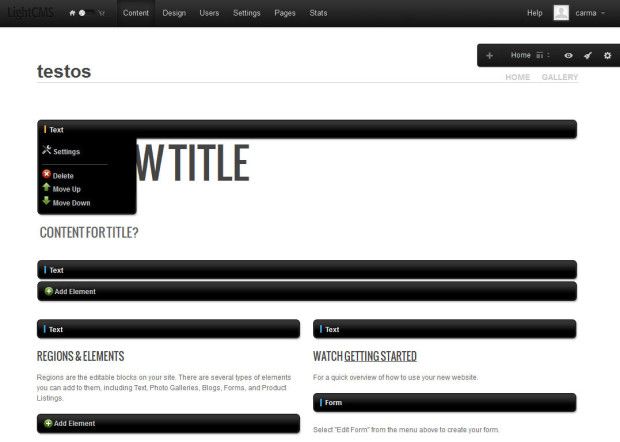
LightCMS is a web-based CMS, offering easy options for creating websites and editing them. Select your design from a variety of themes or create your own, then edit the elements and regions as needed. Each section has it's own editing area for easy on-page editing. It also offers an online store option for
your website.
Concrete5
Concrete5 can integrate with your current site or be used to build a new website. It offers intuitive onpage editing. Simply click in an area and select to edit, copy, move, delete, or design that area. Their editing window contains all the common editing icons and functionality. It's also easy to change color, font, border, and spacing of an area using their design options.
SilverStripe
SilverStripe is a robust, yet easy-to-use CMS. It can plugin to current websites or be used to create new websites. Editing content is like using a word processor. It's also easy to manage pages through their control panel, as well as manage files and settings. It even comes up with very helpful standard reports for your website.
What has been your experience with a simple CMS? Which ones would you recommend?