Symphony CMS Review

Symphony CMS is a beautifully minimal PHP+MySQL-based open source content management system that uses XML and XSLT as its backbone.
On the surface, Symphony is similar in function to ExpressionEngine, Textpattern, WordPress, or Drupal. While Symphony is certainly capable of running a standard website or blog, its conceptual elegance and focus on data structures puts it in a unique position, straddling the line between a CMS and a full web application framework such as Django or Ruby on Rails.
Symphony’s layered infrastructure allows the site developer complete control over every aspect of the site building process. Though this is initially intimidating, its flexibility and power is extraordinary. Fortunately, the documentation is solid (and improving), and the community is extremely responsive and helpful.
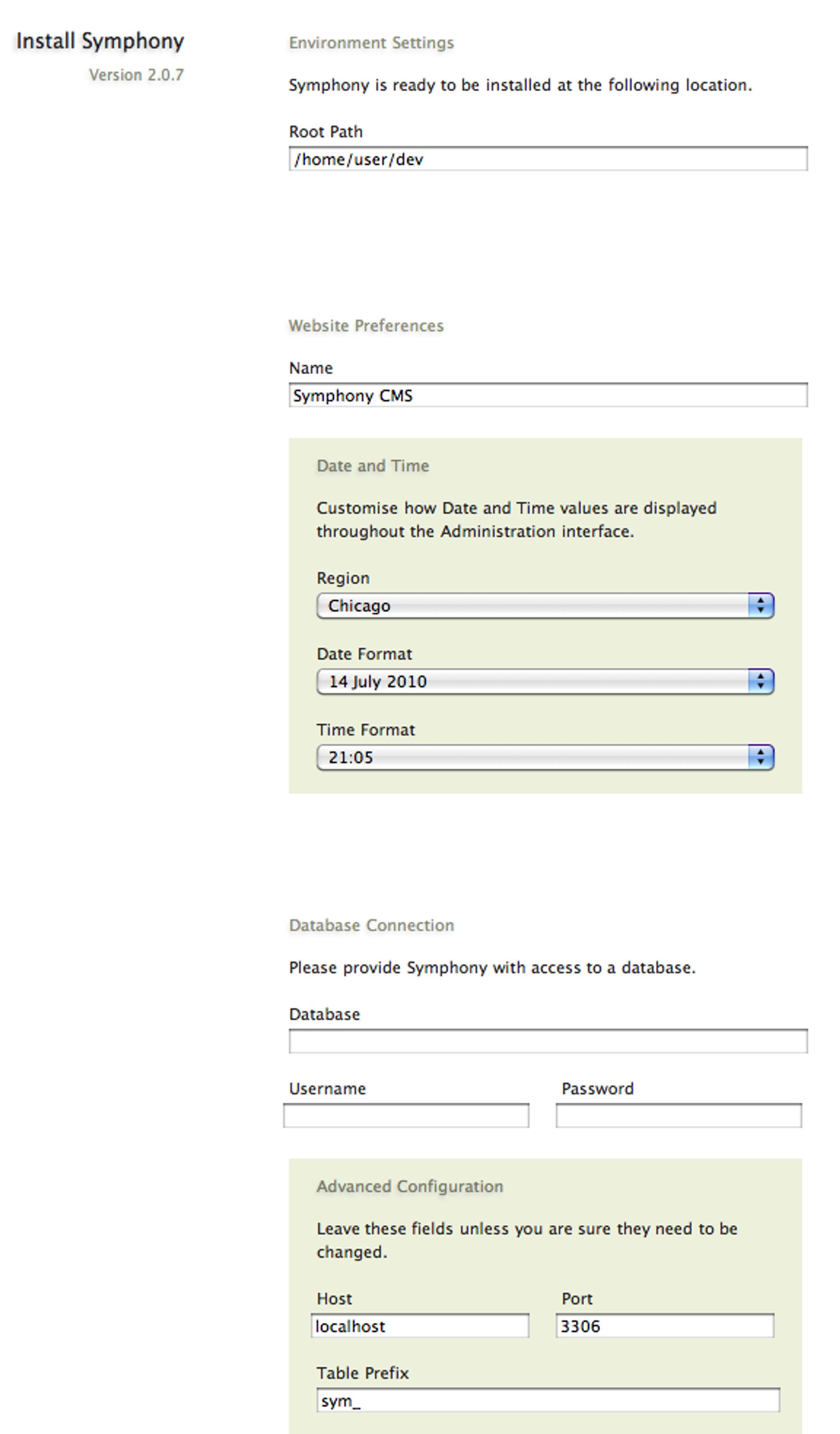
Symphony is compatible with modern Apache or Litespeed web servers. (See the Installation Guide for complete server requirements and compatible hosts.) You can install it either via a .zip package (easier), or by cloning the offical Git repository (preferred.)
Symphony’s learning curve is somewhat steep. Its developers leave the system like a blank notebook — after installation, almost nothing is preconfigured at all. To assist newcomers, they offer an optional default workspace and bespoke “Ensembles,” which are basically sample sites you can use as a starting point. There are also dozens of extensions available to provide additional functionality.
To begin, you will define your project’s content in Sections, which are composed of customizable fields and field types. If necessary, sections can be linked together via various field relationships.
Once you’ve created some sections and content, you can organize and filter your content into custom pools of data, called Data Sources. Data sources are associated with one or more Pages.
A page (such as http://yoursite.com/about) is essentially an assembly of output from data sources, automatically formatted into XML.
For templating/theming, you will use XSLT stylesheets to transform a page’s XML into HTML (or really any text output such as CSS or JSON) for the web. This is a significant difference from the template tags approach [ExpressionEngine, Textpattern] or the direct-PHP hooks approach [Drupal, WordPress] that you might be used to. XSLT is a standardized W3C specification, but it’s not particularly commonplace. Once you learn it, it’s quite robust and fairly easy to use.
Perhaps Symphony’s best selling point is that unlike other systems, it lives and breathes the native tongue of the semantic web — XML.
Increasingly, online content is divided into many buckets: Twitter, Flickr, Delicious, and so on. Symphony takes any feed: RSS, Atom, custom API output, whatever — and treats it like a first class citizen. Need to grab recent tweets? API results from Flickr? You can do it almost instantaneously using a built-in Dynamic XML data source. This external content gets bundled together with your site’s content into one glorious stream of XML, ready to be transformed into a new-fangled website the kids are talking about.
If that’s not enough, you can use the XML Importer extension and a simple cron job to import feeds as permanent, native content. This functionality is great for Lifestreamers, who should consider Symphony to drive their sites.
To be sure, it’s not all a walk in the park. An initial site setup will take you a while. You might have to download stuff from Github. You have to learn XSLT. You will need to try some bleeding-edge software. And yes, there are ways to accomplish these tasks in other systems, but none is as elegant or flexible as Symphony. (For example, importing feeds from different sources in WordPress is still ugly, requiring plugins and some custom code.)
Symphony’s community is quite active and friendly, so you will get help when you need it. If you have a lot of data and you want it back, give Symphony a try.
About the Author
Jonas Downey is a web designer, developer, and avid Symphony user, located in Chicago, USA.
You can learn more about Jonas at his blog, http://jonasdowney.com