SiteKreator Review

With the number of website building applications available, it can be hard to trim down the fat so to speak to get to the ones that offer the best value for the buck. SiteKreator is one of these website builders and today, we're going to take a look at how well it does this job in our SiteKreator review and determine whether it's worth the $20-80/ month investment (depends on the package you choose).
SiteKreator claims to have over 100,000 business websites running on their platform which is a pretty impressive number. Does it offer enough to make it valuable for you? Read on to find out.
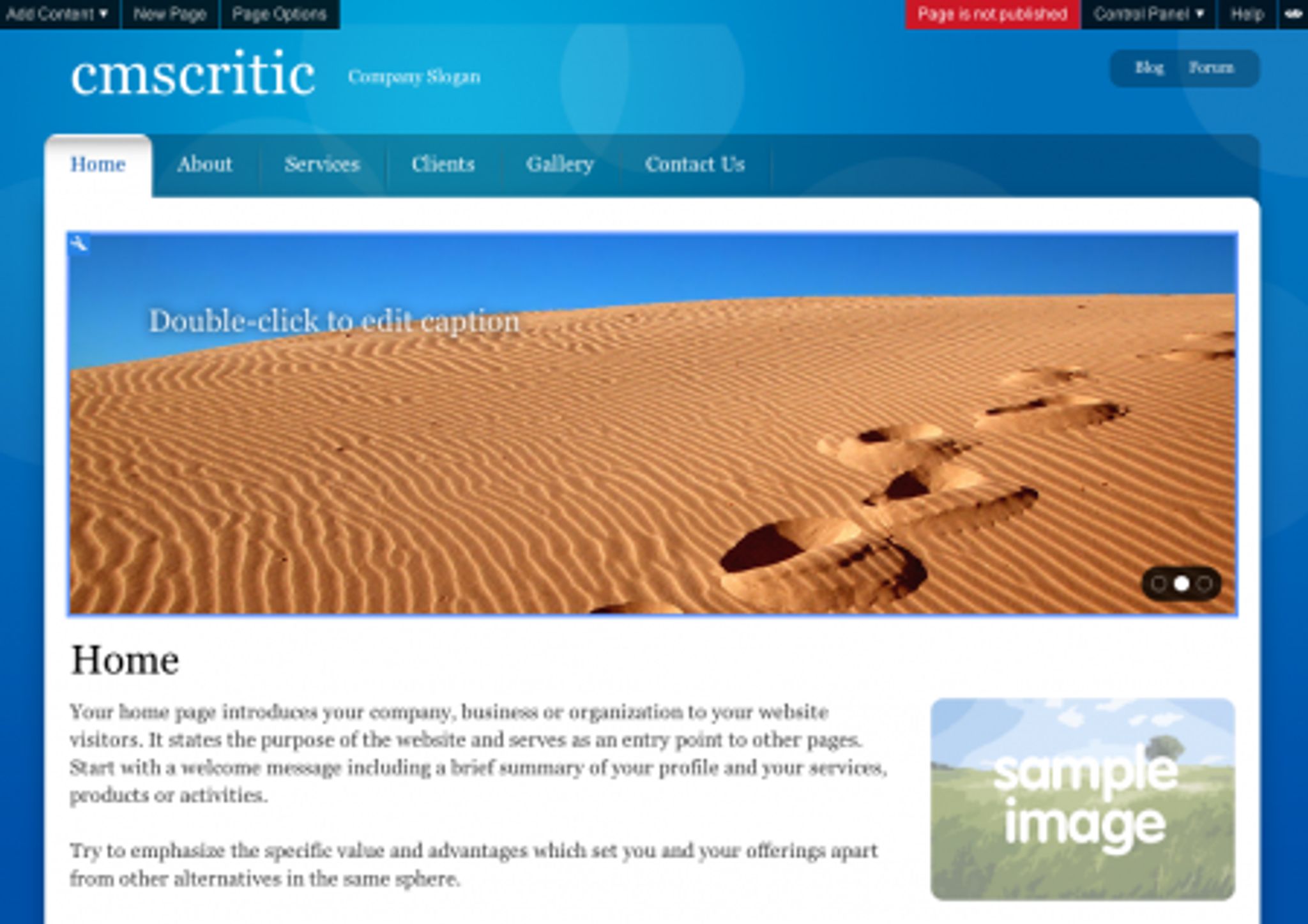
When you first are set up with an account on SiteKreator.com, you are given a default website to begin the design process with. Here's a look at one of the templates available:
Notice that at the top of the screenshot above, there is a toolbar with options such as Add Content, New Page, Page Options, Control Panel and Help.
The Add Content option pops up a menu that provides a variety of content types you can insert into your website such as Text, Image Galleries, File Areas, forms and much more. (see shot below)
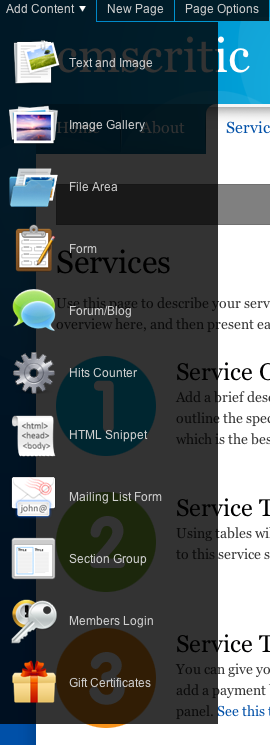
As you can see, there is a great selection of items available, but this isn't all there is.. you can add more via the Applications Catalog in the Control Panel. Some of the available applications you can add to the system include:
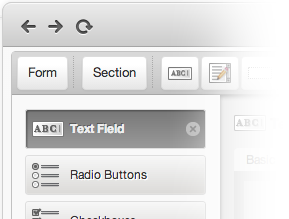
There's no question that SiteKreator offers an impressive array of functionality so far… most users introduced to this system will find it offers more than enough for their needs. It's not just the applications being available that's important, it's how well they work and I can say with confidence that after trying a number of these apps, they are very intuitive and functional. I was quite impressed with the “keep it simple” concept that SiteKreator has gone with here.
To edit any of the available content areas, you simply click on the wrench icon in the top left corner of the content block. (You can see this in the first screenshot above. This brings up an editor specific to that type of content. For instance, assuming you wanted to change the navigation, clicking on the wrench would bring up this window:
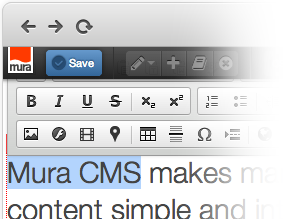
Need to change some text? Click the wrench and you'll be presented with a slick WYSIWYG (What-You-See-Is-What-You-Get) editor.
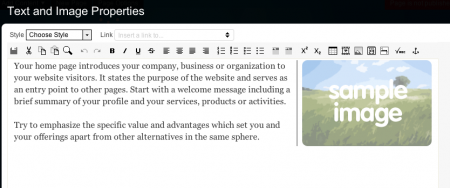
This is a great editor and I was impressed to find the ability to add not only text and images but also full tables, video and there's even a quick date insertion button. Well done guys!
Maybe you like slideshows and want to make a few modifications to the one included with this template? Just click the wrench for an easy configuration window:
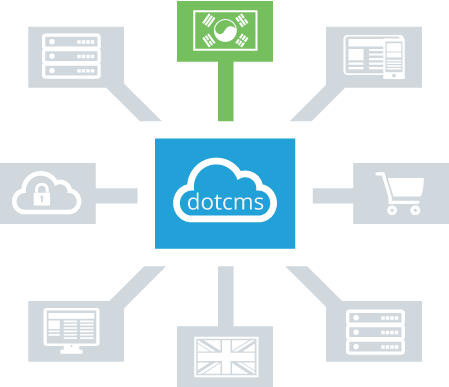
You can tell by the screenshot how straight forward making changes to the slideshow is. This should give you a pretty good idea as to how easy to use this system is for adding / modifying content. The features don't stop there, however.
On the far right there's a control panel drop-down that gives you access to more options such as page appearance (where you can change settings such as the structure, page elements, columns and color scheme.

Perhaps you aren't a fan of the default theme? You can change that too. Here's a shot of some of the many available choices:
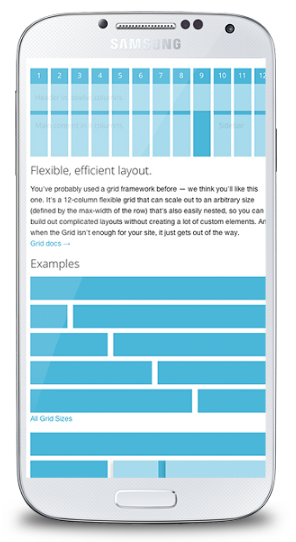
Not enough control for you? Want to delve in deeper? You can change the color pallette, fonts and more as well.

Conclusion
I'm a big fan of ease of use and SiteKreator has to be one of the easiest website builder applications I've ever had the pleasure of testing out. Not only is it simple and easy to use but it's also incredibly versatile and offers functionality far and above my expectations going into this review. Normally, I'd have no problem recommending this to those looking for a slick, easy to use system that's fast and functional.
*Note: When I first wrote this review, I declined recommending SiteKreator due to a high number of validation errors. Since then, the team at SiteKreator have worked hard to address them and resolve this problem and I'm comfortable saying that this solution now is a safe bet. It speaks volumes when a company reacts to concerns by taking action instead of making promises but not correcting the problem. Kudos to the SK team for being the exception to the rule. It's important to note that not all solutions will come back with zero validation errors (in fact it's quite rare). The previous #'s that came back were too high to recommend and have since fallen under the “reasonable” category. Feel free to go check out SiteKreator.