Nibbleblog Review

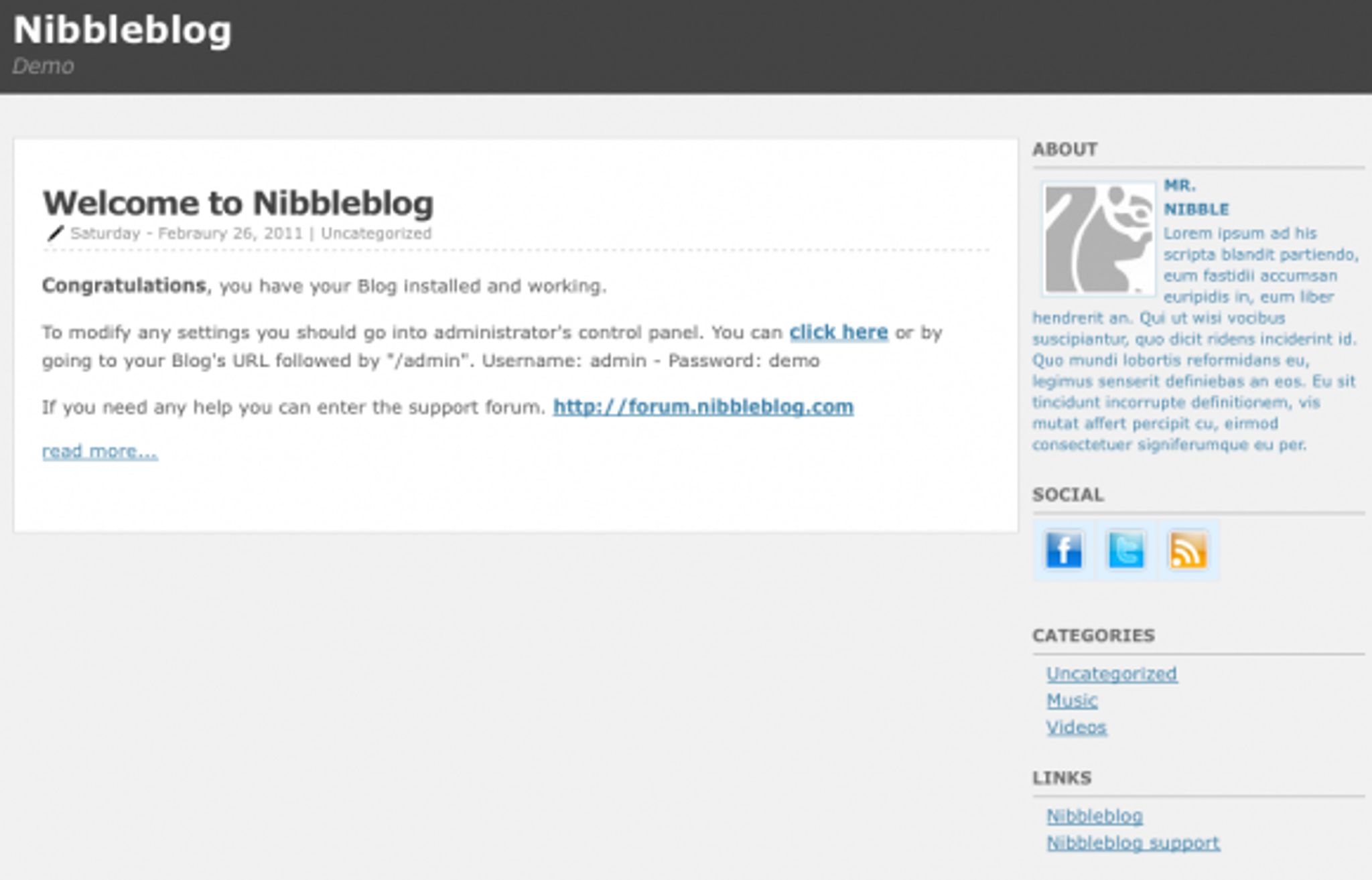
Nibbleblog is a blog platform that uses XML databases as opposed to MySQL and others. It is small, weighing in at less than half a megabyte and easy to install with a simple 1 step installer. Today, I bring you my Nibbleblog Review.
Some of the main features of this blog engine include:
- Video posting (for video blogs)
- Multilanguage support
- XML database, no MySQL or similar DBMS needed
- Plug-in support
- Template and themes support
- WYSIWYG Editor ( elRTE http://elrte.org )
- Simple file manager ( elFinder http://elrte.org/elfinder )
- SEO Optimized
- Open Source. Free under the GPL license
Not bad for less than a meg is it? Is it worth checking out? Read on to find out more.
The default look of the blog once installed is pretty good. You get a decent looking template with a single right sidebar ready to be customized for your needs. Heck, for the most part, you could probably get away with just using the template as is if you just wanted a quick and easy blog that's ready to go.
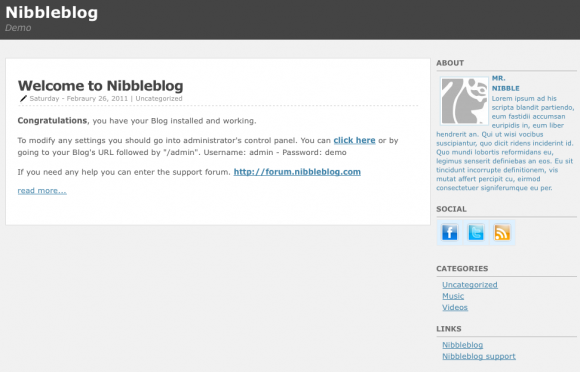
There aren't many options for available templates / themes available ( 3 total ) but for those who are willing to put a little bit of work into customizing (or just using one of the 3) this is not a major detractor.
The dashboard is very well put together and is snappy and responsive:
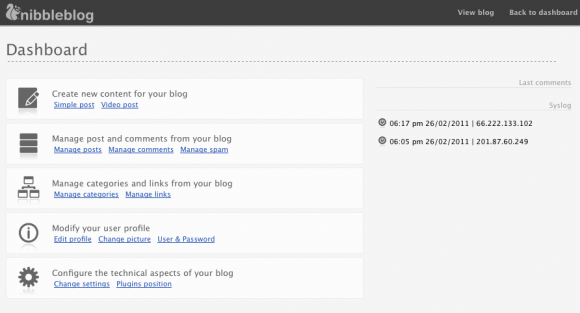
It's clean and easy to navigate with all of the options on one page. Working from the top down, you get your content editing functions first.
Adding a post is easy to do with a resizable Wysiwyg editor: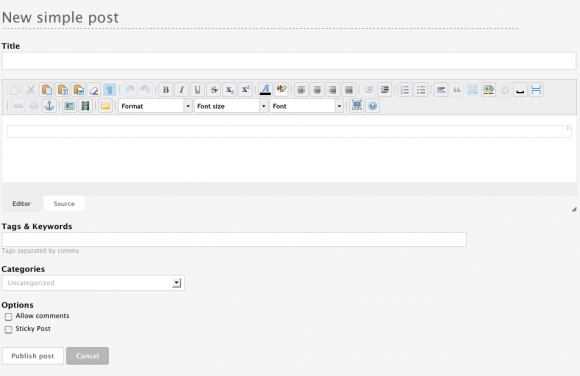
All of the typical options are available and work as expected. Overall, it was a pleasant experience to use this editor.
What I especially liked is the next option available.. Video blogging.
Adding a video post is very, very easy. Simply add the URL and the system goes out and grabs the description automatically.
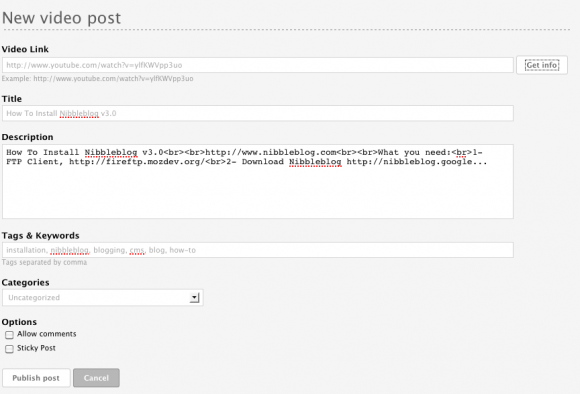
You can of course modify these should you wish to do so. You can also add tags.
Here is what a published video post looks like with no modifications, just plug in the URL and publish:
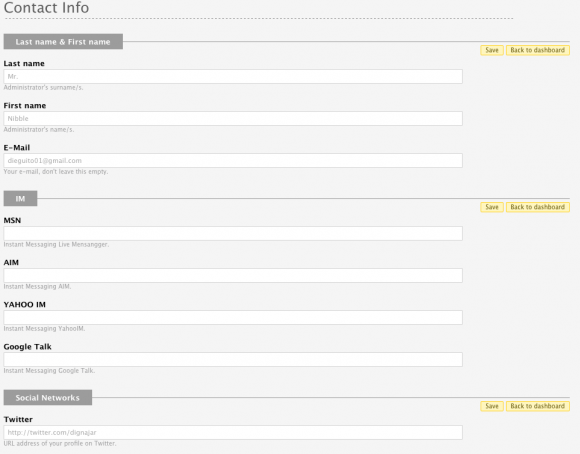
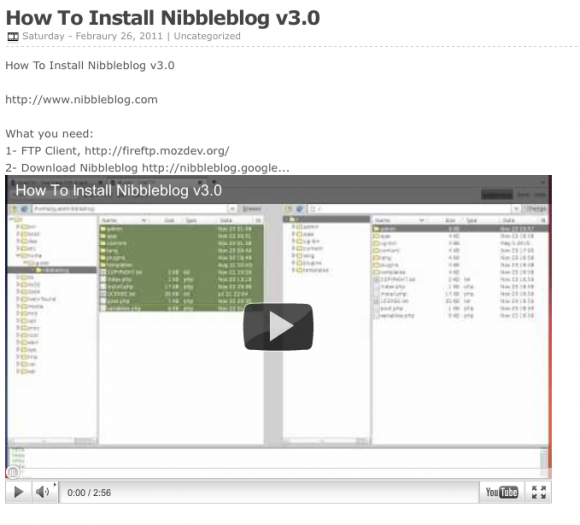 You also have the ability to modify your user profiles within the system as well, including adding your social network links:
Last but not least, the settings page allows for a good set of configuration options. In the top section, you will find the basic blog configuration.
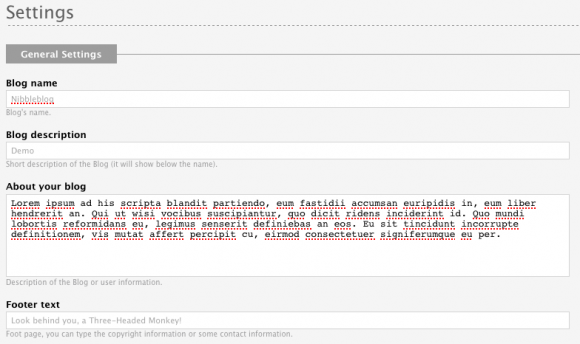
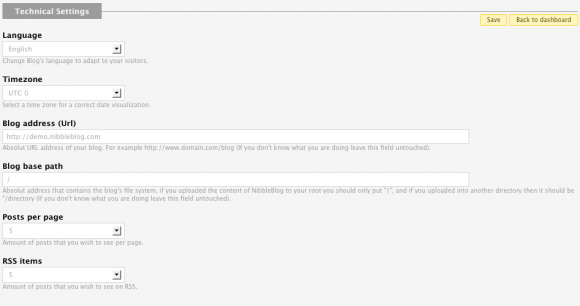
The next are your more technical settings:
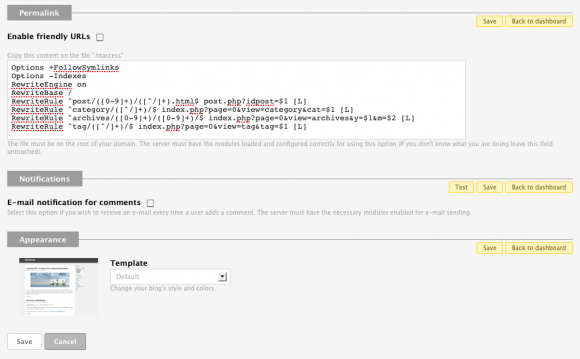
Next come permalink settings (including suggested htaccess rules, which is a handy option), comment options and theme selection.
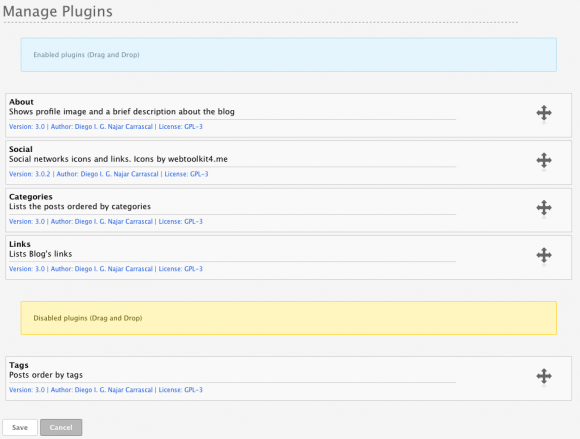
Plugin management is well done with an easy drag and drop interface:
Conclusion
After testing our their demo, I was impressed with the amount of functionality that is present in this tiny software package. Not only does it feel snappy and user friendly but it just works as one would expect.
I think this product is a great option for those looking for a quick and easy to setup blog. It would be nice to see more themes and plug ins but this only comes with the community expanding more.
If you are a developer, a curious user or just someone who wants a quick and easy to set up free blog alternative to traditional platforms, check out Nibbleblog. I think you just might like it.